Advancing software for booking agencies
Your artists sit in one roster with their requirements, and every show gets its own workspace. The promoter fills in the questionnaire, and that becomes the day sheet.
Your artists sit in one roster with their requirements, and every show gets its own workspace. The promoter fills in the questionnaire, and that becomes the day sheet.

Every artist has a record with contact details, links, riders, press kit and default requirements for rooms, hotel amenities and nationalities. The requirements apply to every show until you change them there.
You create a show and book one or more artists on it. If you choose, they go straight into the travel party, and onto the team too if they have their own account.
One fee per artist and show, with amount, currency and note. Only admins and managers of the show can see and change them.
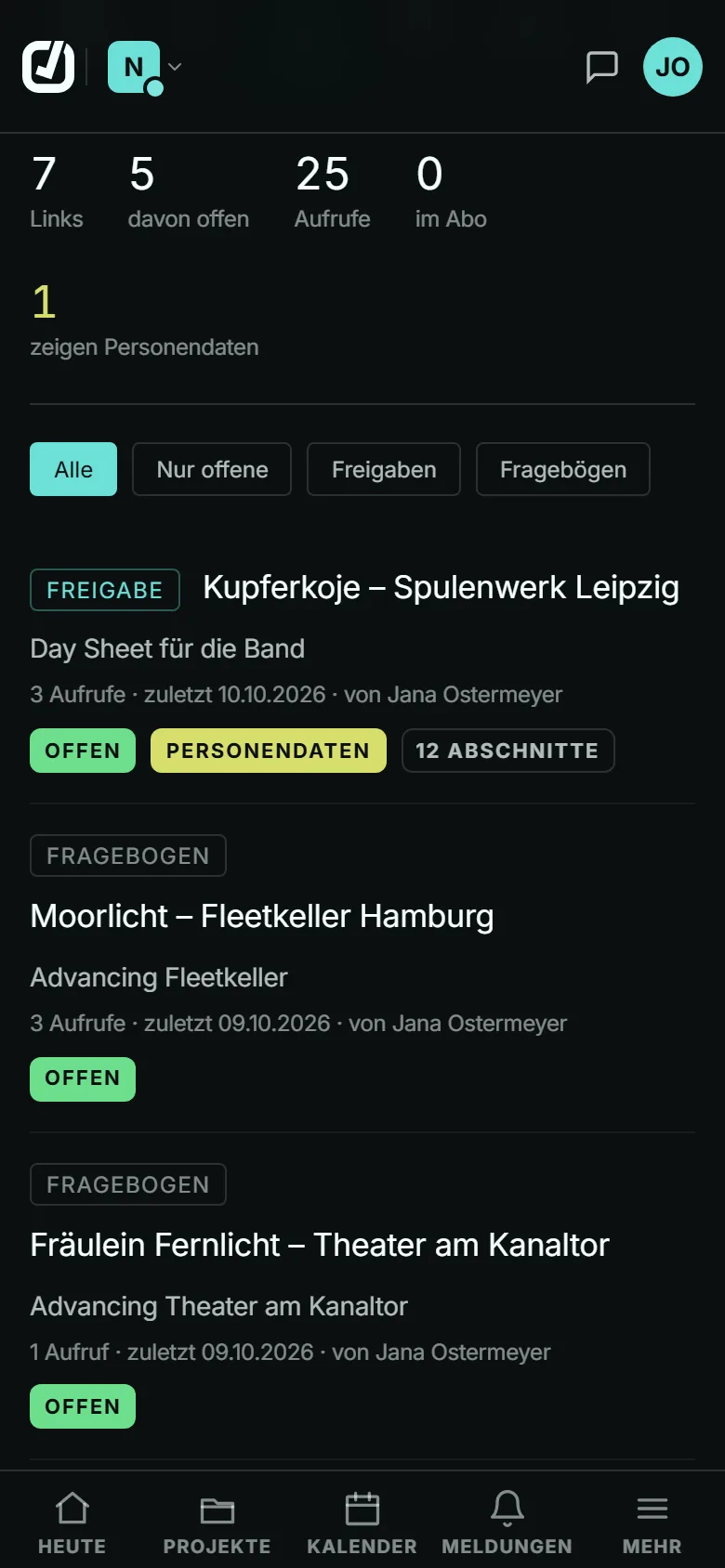
You send the promoter the questionnaire with a PIN and see in the “Links” tab whether it has been opened, started or submitted. Whatever comes back appears in the day sheet.
A show’s team has 11 roles. Admins edit the show, managers also set fees, and everyone else reads along and works with them.
If you want, an artist gets their own account and sees their performances and fee in it, and on a show’s team also its day sheet. They don’t see your roster or your other artists.
Contacts, venues and hotels from all shows are collected under “Knowledge”. Ctrl+K or Cmd+K searches from anywhere.
Every new organisation starts with a 30-day trial, without a card and with the limits of Standard.
You invite colleagues through an invitation link with a PIN. Every account takes up a seat on your plan.
First the record in the roster, then, if needed, a single-use link for the artist’s own access.
Standard covers a team of up to five accounts and up to ten artists in the roster, with the calendar subscription. Enterprise has no limit on accounts or artists; Basic is for one person with one artist.
Every artist account takes up a seat; an artist who is only in the roster does not.
Compare plansNo. An artist account sees only its own fee, and only to read.
No. Members see only the shows whose team they are on; the organisation’s owners and administrators see all of them.
Yes, with separate organisations, up to 3 per account. Each has its own shows, its own members and its own plan.
An admin of the show removes the booking and decides at the same time whether the artist also leaves the show’s team. In the travel party they stay listed until someone removes them there.